
Keyword research — building what SEO specialists in Russia call a semantic core — is the first step of SEO, and everything else depends on it: site structure, copy, internal linking and even paid ads. If the keyword set is poor, a site can spend years ranking for the wrong queries while traffic never turns into leads.
This guide walks through the whole process: where to find queries, how to filter out junk, how to group phrases into clusters and assign them to pages. The method works for a one-page landing and for a store with thousands of products — only the scale changes.
What a semantic core is and why you need one
A semantic core is the list of search queries your potential customers use to find products, services or answers. The number of phrases matters less than the fact that every one of them is tied to a specific page.
A good keyword set answers three questions:
- which pages the site needs — services, categories, articles;
- what to write on each page — which topics and wording to cover;
- how much demand exists — and whether search is a viable channel for your niche at all.
Without it, site structure is built on gut feeling, and it often turns out that popular queries have no matching page at all.
Step 1. Preparation: seed keywords and competitors
Start with the business, not the tools. List every product and service, plus synonyms and everyday names for them. These are your seed keywords. For a renovation company (example): “apartment renovation”, “turnkey finishing”, “cosmetic repair”, “bathroom remodel”.
Add to the seeds:
- locations, if you work in specific cities;
- commercial modifiers: “price”, “order”, “cost”, “turnkey”;
- 2–5 sites from the top results for your main topics — their structure will reveal directions you missed.
Tip: ask your sales team how customers describe their problem on the phone. Their wording rarely matches the company’s internal language.
Step 2. Keyword sources
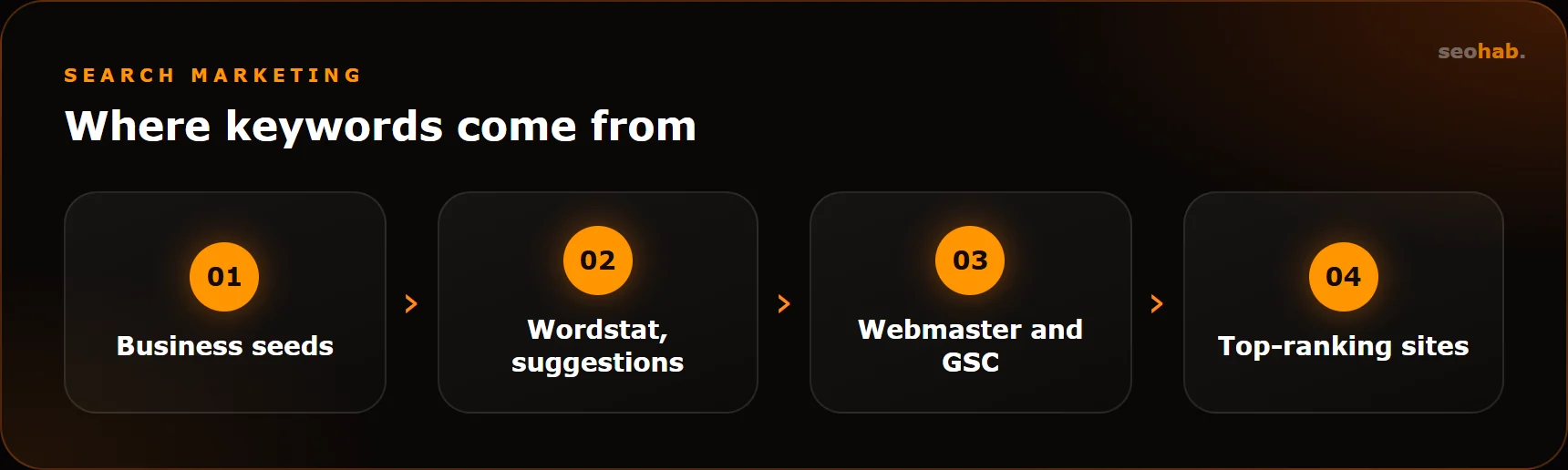
For a complete set, use several sources rather than a single tool:
- Yandex Wordstat — base search volume, expansions of your seeds and related queries;
- search suggestions in Google and Yandex — real phrasing people actually type;
- Google Search Console and Yandex Webmaster — queries the site already appears for, if it is not brand new;
- Yandex Metrica and GA4 — landing pages and search phrases;
- top-ranking site structures — sections, filters and tags you may have missed;
- Key Collector or similar software — for bulk collection and automated processing.
At this stage, don’t worry about collecting too much. The goal is a wide list; filtering comes next.
Step 3. Cleaning the keyword list
A raw list is almost always half junk. Clean it in several passes.
Negative keywords and irrelevant phrases
Remove queries that will never bring a customer: “free”, “DIY”, “jobs”, “download”, “essay”, competitor brands and cities you don’t serve. Keep the negative keyword list — it will be useful for PPC campaigns too.
Zero-volume phrases and duplicates
Check exact-match volume (in Wordstat, use quotes and the exclamation mark operator). Phrases with zero exact volume are usually useless. Remove duplicates that only differ in word order — “renovation price apartment” and “apartment renovation price” are the same query.
Search intent check
Look at the results page for borderline phrases. If the top results are only articles and forums, a commercial page will struggle to rank — the intent is informational, and it needs an article.
Step 4. Keyword clustering
Clustering means grouping phrases that one page can rank for. The key principle: queries belong together when search engines show the same sites for them, not because they sound similar.
There are two approaches:
- manual grouping by meaning — fine for small sets of a few hundred phrases, but error-prone on borderline queries;
- SERP-based clustering — software compares the top 10 for each query and merges phrases that share URLs; Key Collector and dedicated clustering tools work this way.
In practice, combine them: automated SERP clustering first, then a manual review. Watch for clusters that mix commercial and informational queries — they almost always need to be split.
Step 5. Mapping keywords to pages
Each cluster is assigned to exactly one page. Build a table: cluster — URL — main query — secondary queries — page type. This becomes your working SEO site map.
| Cluster type | Where it goes |
|---|---|
| Broad commercial | Service or category page |
| Narrow commercial | Subcategory or filter landing page |
| Informational | Blog article, FAQ |
| Brand or navigational | Home, Contacts, About |
One page, one cluster. When two URLs target the same queries, you get keyword cannibalization: the search engine keeps switching between them, and neither grows steadily.
If a cluster has no page, you need to create one. This is often when it becomes clear the site lacks dedicated service landing pages — and website improvements can add them without a full redesign.
Common mistakes and a self-check
What to avoid in keyword research
- Only high-volume queries. Competition is fierce, while long-tail phrases often convert better.
- A single source. Relying on one tool means missing suggestion phrasing and real queries from Search Console.
- Eyeballing clusters on large sets. Queries that look alike may need different pages.
- A core that sits in a drawer. The table exists, but it never made it into structure, meta tags and copy.
- Research done once. Demand shifts and new products appear — revisit the core at least every six months.
- Ignoring seasonality. Wordstat volume depends on the month — check a query’s yearly history before dismissing it as empty.
How to check the semantic core is right
A quick self-check before handing the core over for implementation. Go through it together with whoever will build the structure and write the copy:
- Every cluster has exactly one target URL.
- No two pages compete for the same queries.
- Commercial and informational queries go to different page types.
- Every key service and category is covered by at least one cluster.
- One to two months after rollout, Search Console and Yandex Webmaster show impressions for queries from the core.
If point 5 fails, the issue may lie in indexing or technical SEO rather than the keywords — that needs a separate check. If there are impressions but few clicks, review page titles and descriptions: the query reached the right URL, but the snippet doesn’t attract the click.
Summary
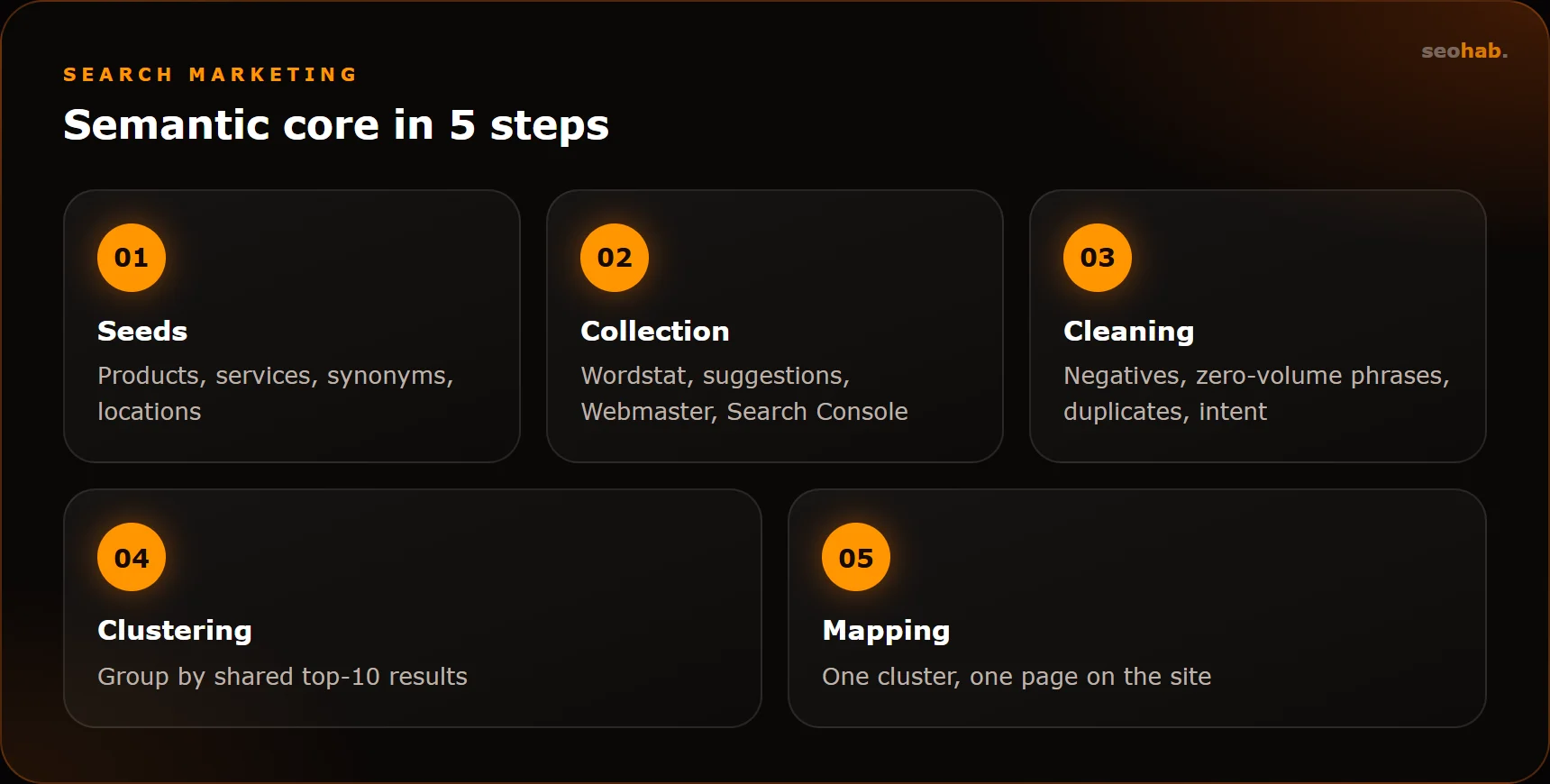
Keyword research is not a one-click export. It is a sequence: seeds → sources → cleaning → SERP clustering → page mapping. The real output is not a spreadsheet but a clear site structure where every query has its own page.
We covered how keyword research fits into the bigger picture in our website promotion guide. If you’d rather have specialists build and implement the core, see our SEO services — keyword research is part of the initial stage.
Read also
 SEO
SEO
Title and Meta Description Tags: Rules and Examples for Different Page Types
How to write title tags and meta descriptions that help pages rank and earn clicks: practical rules, templates for every page type and common mistakes.
 SEO
SEO
Technical SEO Audit Checklist You Can Run Yourself
A step-by-step technical SEO audit checklist: indexing, duplicates, redirects, speed, mobile and structured data — what to check and with which tools.
 SEO
SEO
SEO or PPC Advertising: Which Should Your Business Choose?
Compare SEO and PPC by speed, cost per lead and long-term value. Learn when SEO pays off, when PPC wins and how to combine them without overspending.